
The Firefly app is a must-have item on your Firefly preparation list and here’s why.
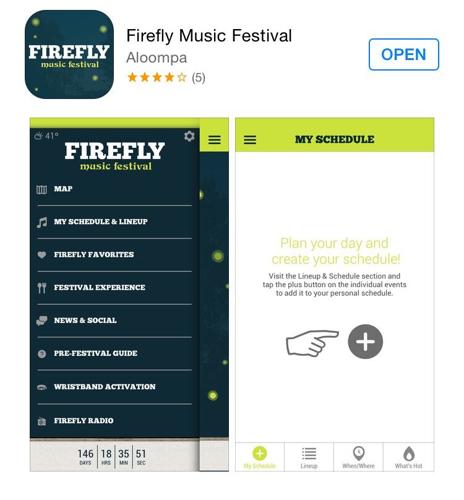
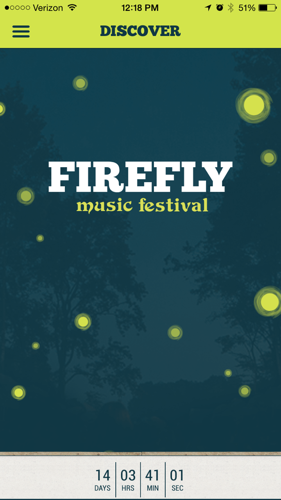
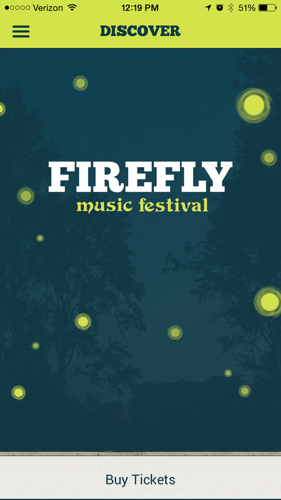
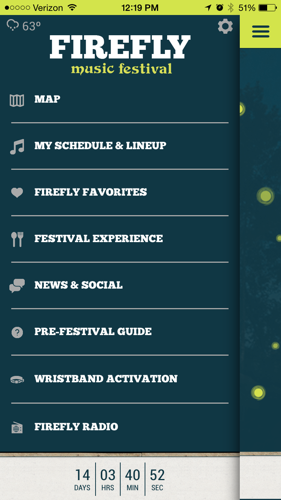
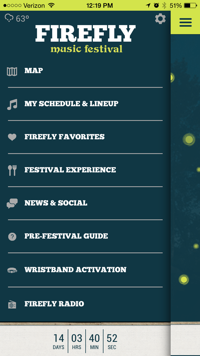
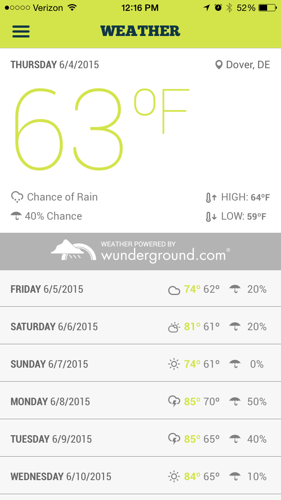
After opening the app, it displays a screen with the logo and a countdown until the festival starts at the bottom, as well as an option to purchase tickets. In the top left corner there are three lines, clicking this will take you to the navigation bar. If you click it the following menu options are displayed: map, my schedule & lineup, Firefly favorites, festival experience, news & social, pre-festival guide, wristband activation, Firefly radio. Also, you can see the temperature displayed in the top left corner of the menu options. If you click the temperature, it takes you to a screen that displays the weather.

IMG_4732

IMG_4733

IMG_4714
Map
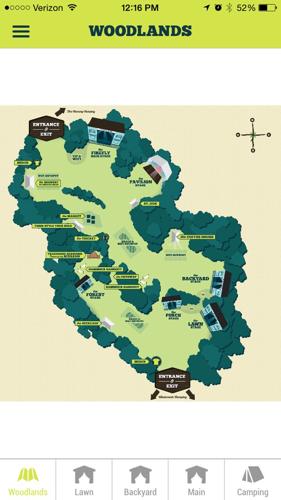
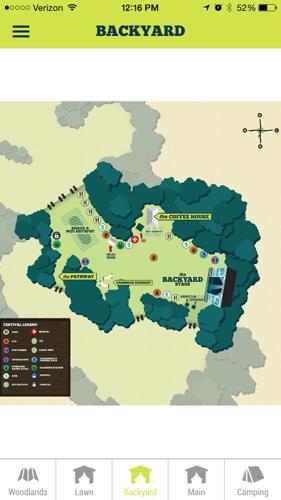
This is where you can see the layout of where everything is taking place for the weekend. At the bottom of the screen, you can select ‘Woodlands’ which is the festival grounds as a whole. Then, by selecting the ‘Lawn’, ‘Backyard’, ‘Main’, or ‘Camping’, shows you closer up views of those areas. This will be convenient when planning out which bands you want to see so you know how far away the other stages is compared to the one you are at now. Also, if you are looking for the restrooms, showers, or maybe you want to relax at the hammock hangout, the map feature will help you out immensely.

IMG_4715

IMG_4716
My Schedule & Lineup
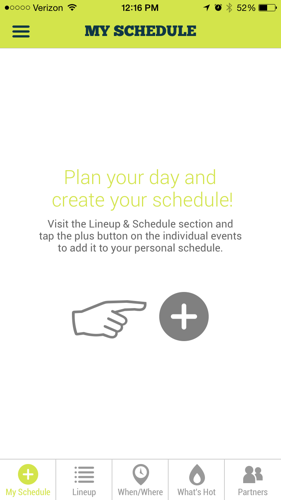
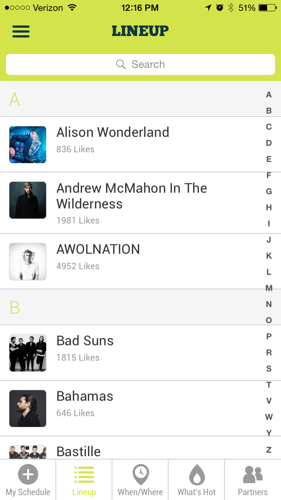
After Firefly releases the schedule, this part of the app will be pretty neat. You can click the ‘+’ in the center of the screen and plan each day of the festival and create a schedule. If you want to see Walk the Moon, Glass Animals, and Knox Hamilton on Friday, you can plan out all three so that you know which stage you have to be at and what time they are playing. This is a great feature because you wouldn’t want to miss your favorite bands. The lineup shows you the bands listed in ABC order, which makes them easier to look up and find more information about each band. The when/where feature does not show anything yet because the schedule is not out yet. However, this feature will allow you to see when and where each band is playing so that you can create a schedule that works for you and your friends. You can also view what’s hot and what bands are being scheduled the most.

IMG_4717

IMG_4718
Firefly Favorites
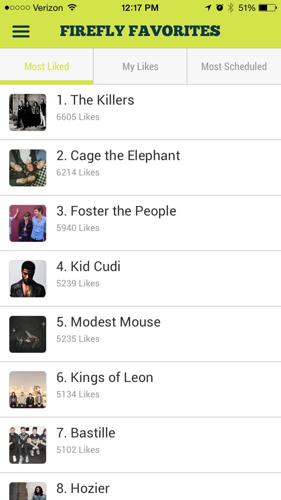
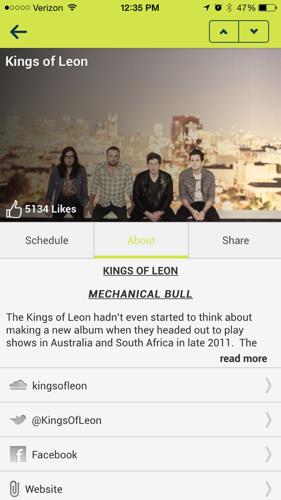
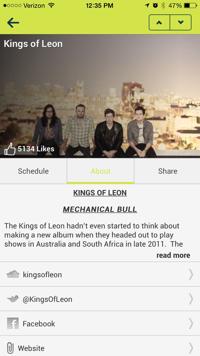
This feature shows you which bands are the most liked that people who have the app have voted on. The top three are The Killers, Cage the Elephant, and Foster the People. If you want to tell the world how much you like a band, click the band name and a page comes up about them. You can see an image of the band at the top of the screen and the likes they have next to a thumbs up in the bottom left corner of the picture. If you want to like the band, simply click the thumbs up and your vote is counted. The other options on this screen are schedule, about, and share. The schedule feature does not work yet because it has not been released at this time. However, that will be where you add this band to your schedule. The about section gives you an overview of the band and you can follow them on Twitter, Facebook, and visit their website just by clicking the options. This feature is pretty neat if you are trying to find out more about a band or if you want to tweet about how you’re so close to the Kings of Leon that you just touched Caleb Followill’s hand. #sodreamy #neverwashingmyhand #Firefly2015

IMG_4719

IMG_4734 (1)
Festival Experience
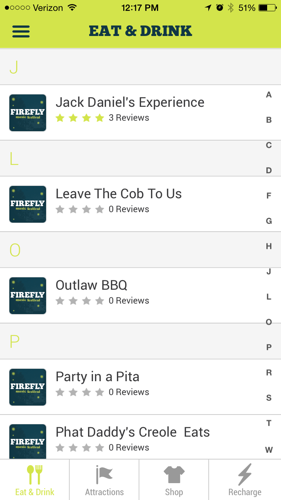
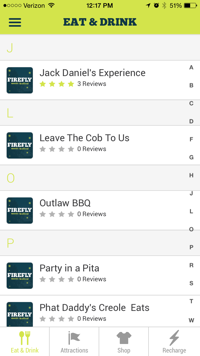
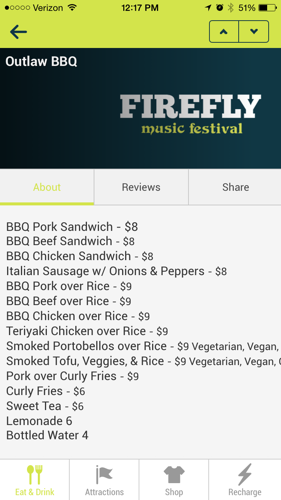
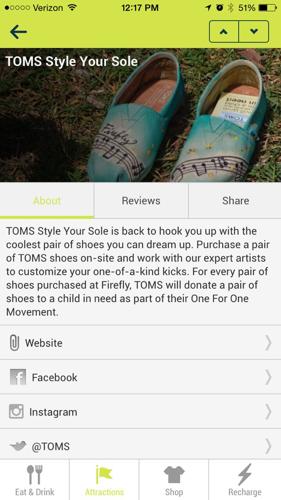
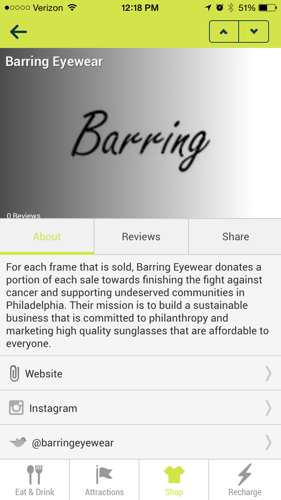
After you click this menu option, the first screen shown is eat & drink. This screen lists all the businesses that are at Firefly where you can purchase food and drink items from. They are listed in alphabetical order so if you are near Outlaw BBQ, you can use this feature to check out what items are on their menu and the prices. Other options at the bottom of the screen include attractions, shop, and recharge. The attractions are listed and you can click on them to learn more about what they are and see reviews. For example, if you click TOMS Style Your Sole, there is a brief description about the attraction and what you can do there. There are also options you can click that will take you to TOMS website and social media. If you choose the shop option, you can see which merchandisers are at the festival. If you forgot your sunglasses, you can check out Barring Eyewear and see the reviews before making your purchase.

IMG_4720

IMG_4721

IMG_4722

IMG_4723
News & Social
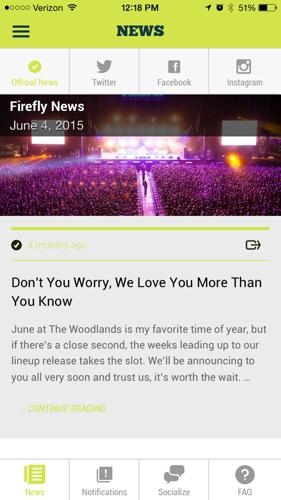
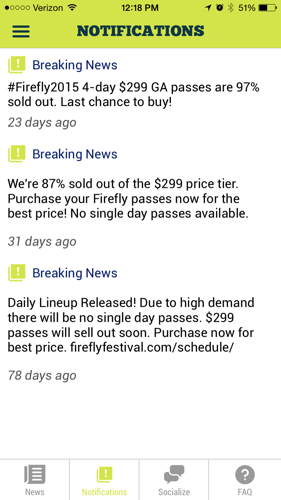
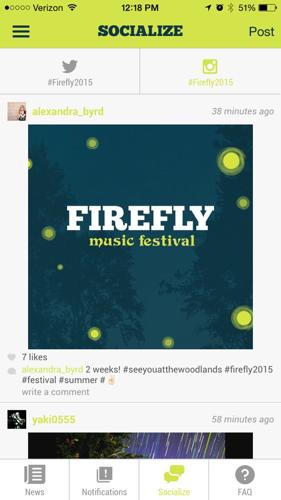
This is an important feature because it gives you the latest news on the festival and shows you what is being posted on social media about Firefly. The news part features articles about the festival. You can connect your Twitter, Facebook, and Instagram to the app to see posts from Firefly. At the bottom of the screen there are three other options: notifications, socialize, and FAQ. The notifications option shows you breaking news updates concerning the festival and the socialize option shows you who is using the hashtag #Firefly2015 on Twitter and Instagram.

IMG_4724

IMG_4725

IMG_4726
Pre-Festival Guide
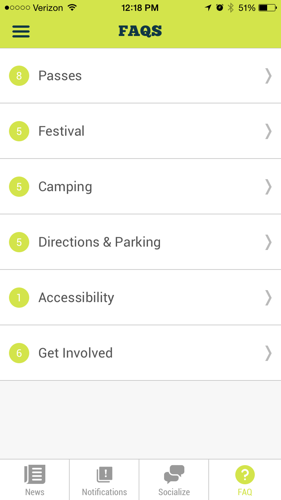
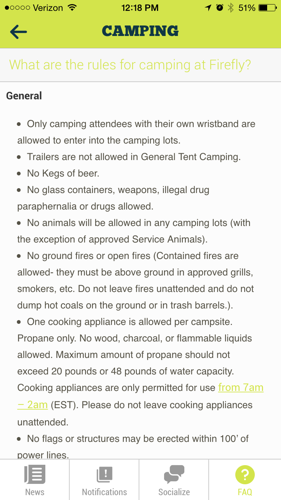
The FAQ’s feature is helpful because it answers popular questions that people may have concerning camping, parking, passes, etc. If you want to know the rules for camping, you can click camping, the question you have about rules, and then the general rules screen is displayed. If you want to know what items are not allowed in the festival area, you can click festival and you will see a list of prohibited items. So if you were thinking about bringing Fido, you might want to find a dog sitter at home before you head to the Woodlands.

IMG_4728

IMG_4727
Wristband Activation
This is where you can register your wristband after you receive it in the mail. Your wristband must be worn all weekend to guarantee access to the festival.

IMG_4729
Firefly Radio
This option does not house any content yet. While you are at Firefly, you will be able to use this feature to listen to songs from the bands in the Firefly lineup. You can broadcast their music through Soundcloud.

IMG_4730
Overall, this app features all your need-to-know’s for the weekend and we think it should be on your list of things to get before the 4-day festival begins on June 18. Be sure to download this app to schedule your days out, learn more about the bands, find certain things on the map, and stay connected with social media throughout the duration of the festival.
Download the app:
For Apple: https://itunes.apple.com/us/app/firefly-music-festival/id538104162?mt=8
For Android: https://play.google.com/store/apps/details?id=com.aloompa.firefly&hl=en